FMCSA Motus Problems? How to Fix the 5 Most Common Issues (2026)
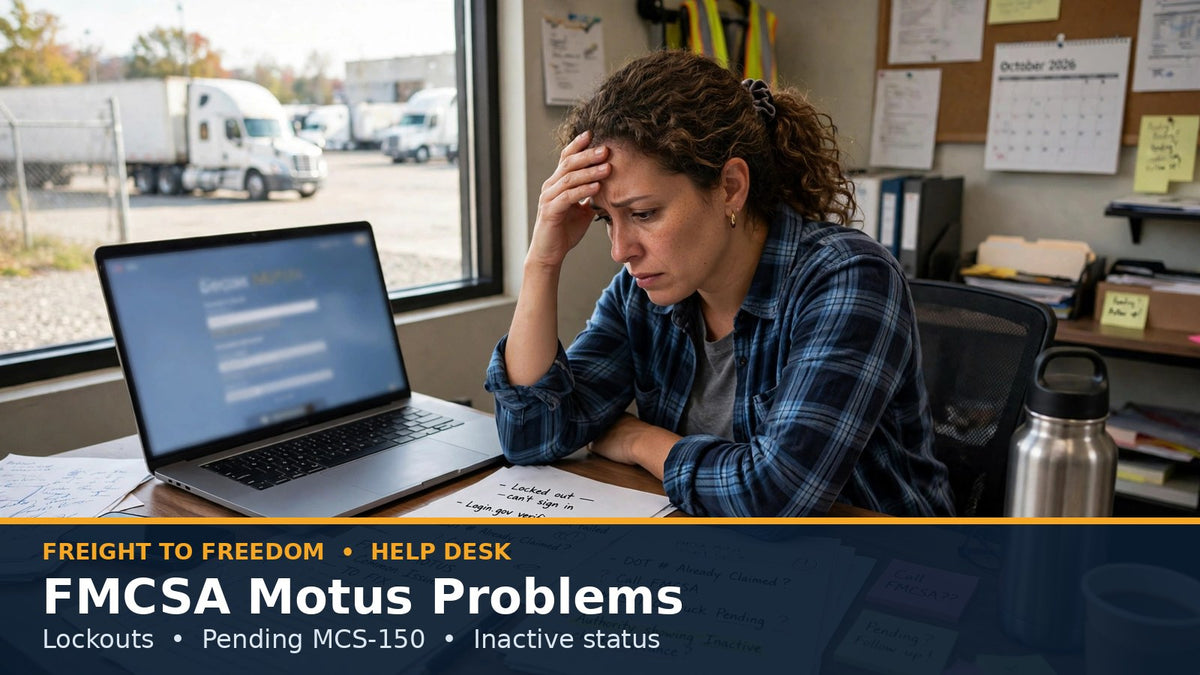
FMCSA's new Motus registration system went live in May 2026, replacing the old FMCSA Portal, the Unified Registration System (URS) and the PIN system. It was built to stop identity theft and fraudulent registrations — and its strict checks have locked out a lot of legitimate carriers along the way.
If you're a carrier, dispatcher or new authority holder stuck in Motus right now, almost every problem comes down to one of five issues. Here's what causes each one and how to fix it.
Do not apply for a new USDOT number to get around a lockout. It can trigger FMCSA's fraud checks and flag you as a “chameleon carrier” — a far bigger problem than the lockout itself. And don't pay an “expediting” service: they can't skip the Motus queue, and many just submit the same AskFMCSA ticket you can submit for free.
1. Login.gov won't verify you
Motus requires every user to verify their identity through Login.gov first. This is where most new authorities get stuck.
- Use a desktop or laptop with an updated Chrome or Firefox. Mobile browsers, Safari, ad-blockers and privacy extensions can break the handoff between Login.gov and Motus.
- Use a personal cell phone in your own legal name. Prepaid, VOIP and LLC-registered numbers often fail phone verification.
- Make your documents match exactly. Your name on your driver's license, Articles of Organization and IRS EIN letter should match character-for-character.
- Stop retrying if it keeps failing. Repeated failed attempts can lock your profile for 24–72 hours. Choose Verify by Mail instead — it adds 5–10 business days but avoids the loop.
2. “Unauthorized Access” or “DOT Number Already Claimed”
Motus only lets the Company Official on file claim a DOT record — and it matches by email. If a former dispatcher, compliance service or ex-partner set up your original portal account, your email won't match and you're locked out.
- Try the email-alias fix first. Login.gov lets you add more than one email to your profile. Add the email that was used in the old FMCSA portal, verify it, and log in again. This often links the account automatically.
- If you can't reach the old email, open an Account Ownership Dispute / Manual Unlink ticket through AskFMCSA. Attach one combined PDF with your photo ID, IRS EIN letter (CP 575 or 147C) and Articles of Organization.
If a dispatcher holds your only login and walks away, they walk away with your authority. The owner should always be the Company Official.
3. MCS-150 update stuck in “Pending”
- Submit once. Only once. A second update on top of a pending one can freeze the record even longer.
- Screenshot everything — the confirmation number, the values you submitted and the timestamp.
- Carry the receipt. If an overdue update threatens your snapshot, proof of a timely submission plus active insurance is your best defense with brokers and at roadside.
FMCSA has also announced a temporary suspension of USDOT inactivations for registrants who couldn't complete their biennial update because of Motus issues. Check that page for the current status.
4. Authority shows “Inactive” but your insurance is active
Carriers can't upload a COI to Motus — your insurance company files it electronically (Form BMC-91/91X). If the filing doesn't match your Motus record exactly, it can be rejected without warning.
- Check the exact match. Legal name, DBA and physical address must match character-for-character. “LLC” vs. “L.L.C.” is enough to cause a rejection.
-
Have your insurer contact the Insurance Branch at
FMCSAInsurance@dot.govwith the filing ID, policy number and your DOT number. - Renew early. Ask your agent to file 10–14 days before your current policy's cancellation date.
5. You can't get FMCSA support to help
| Step | What to do |
|---|---|
| Call | 1-800-832-5660. Hours are 8 AM–11 PM ET weekdays and 9 AM–4 PM ET Saturday. Call right at opening or late evening to avoid the longest holds. |
| One ticket | Open one ticket per problem at ask.fmcsa.dot.gov and follow up on it. Duplicate tickets get merged or closed. |
| Escalate | If you hear “it's a known system issue,” ask for a Tier 2 / Motus technical escalation. |
| Go local | If your trucks are grounded and federal support stalls, call your FMCSA State Division Office. |
Check your status directly on FMCSA's SAFER Company Snapshot — not a broker's software. Then send the broker your active COI and let them know you're working an FMCSA system sync error. Calm, documented communication keeps you on their carrier list after it's fixed.
Get the complete fix
The Motus Fix is our 17-page field guide with everything above plus a minute-by-minute emergency checklist for when your authority drops mid-load, an insurance exact-match worksheet, a tear-out quick reference card, and three copy-and-paste AskFMCSA ticket templates — ownership dispute, false Inactive/insurance sync error and stuck MCS-150 — so support has everything it needs the first time.
Freight to Freedom is a private company and is not affiliated with FMCSA or USDOT. This article is for educational purposes only and is not legal advice. Requirements change often — confirm current rules at fmcsa.dot.gov.